 FREE TO ATTEND
 LEVEL 1
 PUBLIC CAR PARK NEARBY
 Delivery Partner
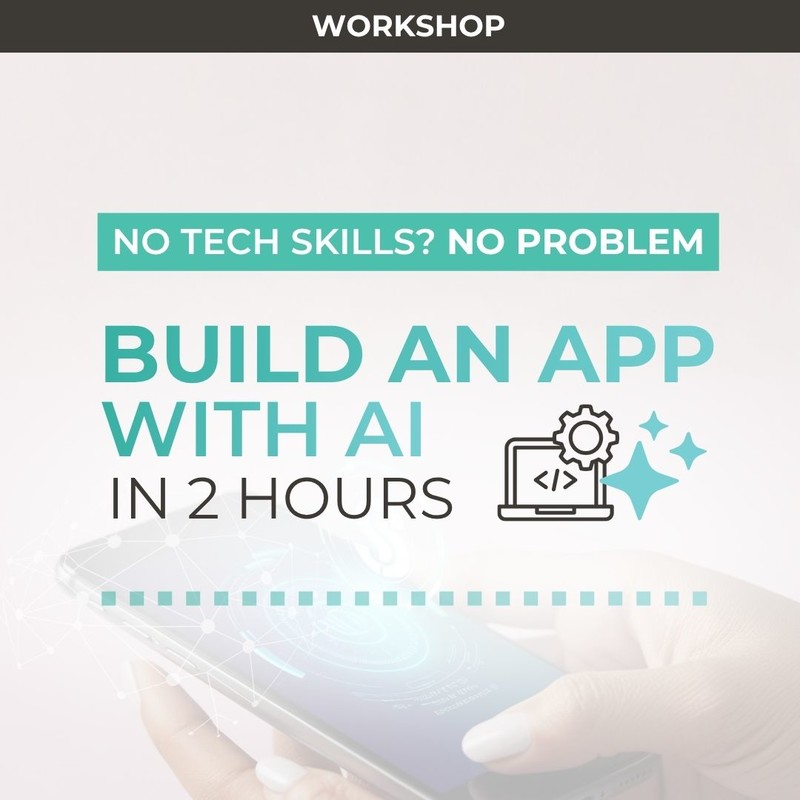
This is a hands-on workshop where you’ll learn how to turn an idea into a working app using AI - even if you’ve never written code before. Led by an expert speaker, this session will show you how tools like Replit and Claude Code can help you build software just by describing what you want through 'vibe coding'.
This is a live, hands-on workshop where you’ll learn by doing, not just watching. Together, we’ll build a real app from scratch, starting with a simple idea suggested by someone in the room, such as a booking system or a calculator. You can follow along step-by-step on your own laptop as we turn that idea into something that actually works, and by the end of the session, you can have a live link to a working app that you can use and share.
By the end of the session, you will:
 Understand how AI can help you build apps and tools
Learn how to describe your idea so AI can build it for you
See how to fix problems when things go wrong
Know the difference between a quick prototype and a “real” product
You can leave with something you’ve actually built yourself if you follow along
Who is it for?
This workshop is perfect if you:
- Have an idea but don’t know how to build it
- Run a small business and want simple tools
- Are curious about AI but not technical
- Want to save time or money on development
No coding experience needed
If you wish to follow along with the demonstration and build your own app, you will need to bring your own laptop. You will also need to set up a free account on Replit and Claude (or other AI tool of choice, such as ChatGPT or Gemini). We’ll send you an email to explain how to set this up at least 7 days before the workshop takes place.
Directions
Depending on your GPS provider, the venue might appear as 'BetaDen Incubate' 'Old Court', 'Kidderminster Magistrates' Court' or 'Creative Hub'. For Google Maps directions, click here. For Apple Maps directions, click here.
Parking
There is no on-site parking. Ample parking is available nearby at Bromsgrove Street Car Park (postcode: DY10 1PF). Please note, parking charges apply.
Accessibility
The event takes place on the ground floor and is wheelchair accessible.
Workshop Levels Explained
| Level 1 | Non-Techie - An introduction for complete beginners, focusing on concepts in plain language. No prior technical knowledge is required - participants learn the basics through simple, hands-on activities and everyday examples. |
| Level 2 | Intermediate - For participants with some familiarity or curiosity about the topic. This level dives deeper into practical skills, tools, and workflows. Attendees gain confidence by working on guided exercises and small tasks they can apply in real scenarios. |
| Level 3 | Advanced - Designed for those with technical backgrounds or prior experience. This level explores complex concepts, advanced techniques, and real-world applications. Participants tackle more challenging tasks and leave with expertise. |